
Loading page

Temporary traffic management plans for New Zealand roads
Traffiqco reads the road around your site, drafts a traffic management diagram for every stage and writes the plan to the NZGTTM. You check it, change what you need and download the PDF.
Already have an account? Sign in
Signs, cones, tapers and safety zones drawn on your road, with the distances worked out for its speed. Move anything on the map.
Risks, controls and method for each stage, written to the NZGTTM. Ask for changes section by section.
The approved plan, ready to attach to your corridor access request, plus a printable briefing for each stage.
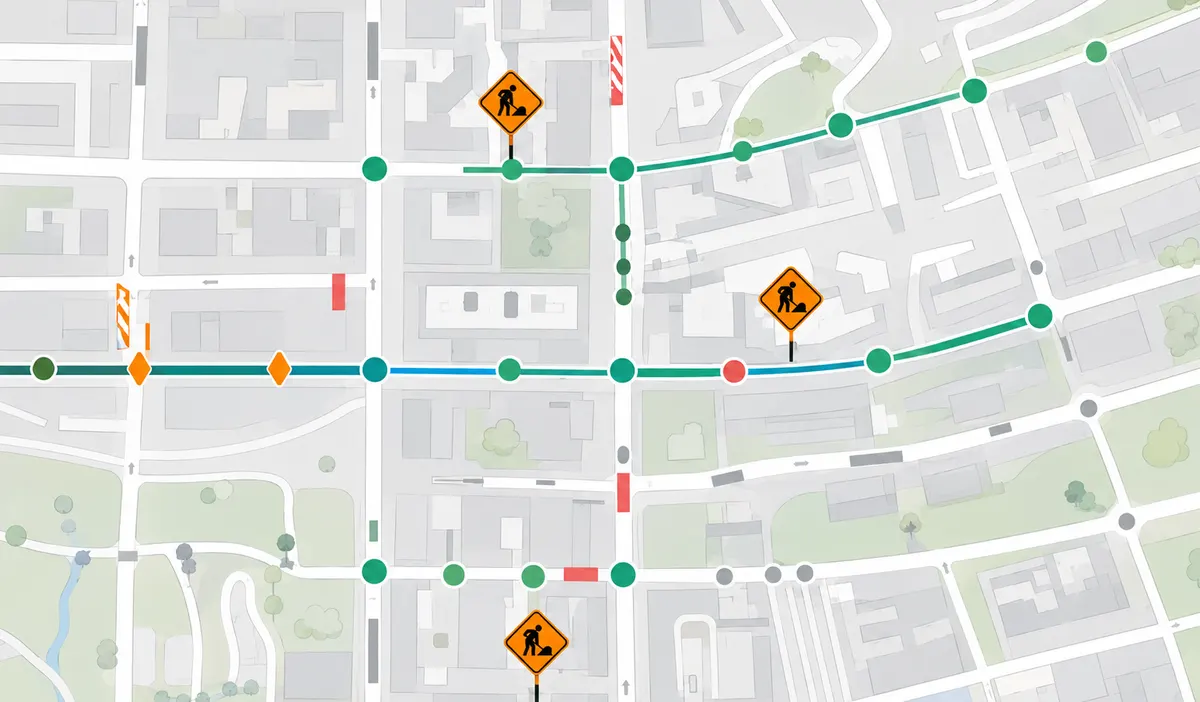
No more looking up the road before you plan it. Draw the work area and Traffiqco checks what is around it, so the diagram is drawn for the site you actually have.
Speed limit
The posted limit on each road
Vehicles a day
Traffic volume past the site
Heavy vehicles
Share of trucks and buses
Schools
Nearby schools and their hours
Bus stops
Stops inside the work area
Pedestrian crossings
Crossings your layout must keep
The same six steps sit at the top of every project, so everyone can see where a plan is and what it needs next.
Draw the work area and describe the job. Traffiqco reads the road around it.
Split the job into stages, each with its own dates, hours and part of the site.
A diagram is drafted for each stage. Adjust signs and controls on the map.
Check who each stage affects and its top risks. Print a briefing for the crew.
Read the written plan section by section, ask for changes, then approve it.
Download the plan as a PDF for your corridor access request.
Projects, templates, plans and people live together, so nothing gets lost between the site visit and the approved plan.
Each project is one worksite. See its step and what it needs next.
Tirimoana Rd watermain renewal
3. Diagrams
Great North Rd fibre install
5. Plan review
Valron Rd vegetation clearing
1. Site & work
Te Atatū Rd kerb renewal
6. Download
Start from a layout for a common site, then adapt it to yours.
Every plan shows where it is, from generating to approved.
Share your workspace and choose what each person can do.
The New Zealand Guide to Temporary Traffic Management (NZGTTM). Diagrams use the layout distances for the road's speed, and the written plan is drafted to the same guide.
Yes, all of it. Move or add signs, cones and tapers in the diagram editor, and ask for changes to any section of the written plan. Nothing is final until you approve it.
No. You download the approved plan as a PDF and attach it to your corridor access request with the road controlling authority, the same way you do today.
Drawing the site and stages takes minutes. Drafting the diagrams usually takes 4–6 minutes for a single-stage project, plus up to a minute for each extra stage, and you can start editing the first diagram while the rest are still being drawn.
You choose. Managers and designers create and edit projects, reviewers read and approve plans without editing them, and viewers can only read and download the finished PDF.
Draw the work area and have a draft plan to review the same day.